AaText
Pick up where inspiration left off.
 NexPaste
Automatically save text, links, images and file references copied on Mac, then search and paste again. With Pro, sync through your own iCloud to iPhone and iPad.
Made for Mac, iPhone, and iPad
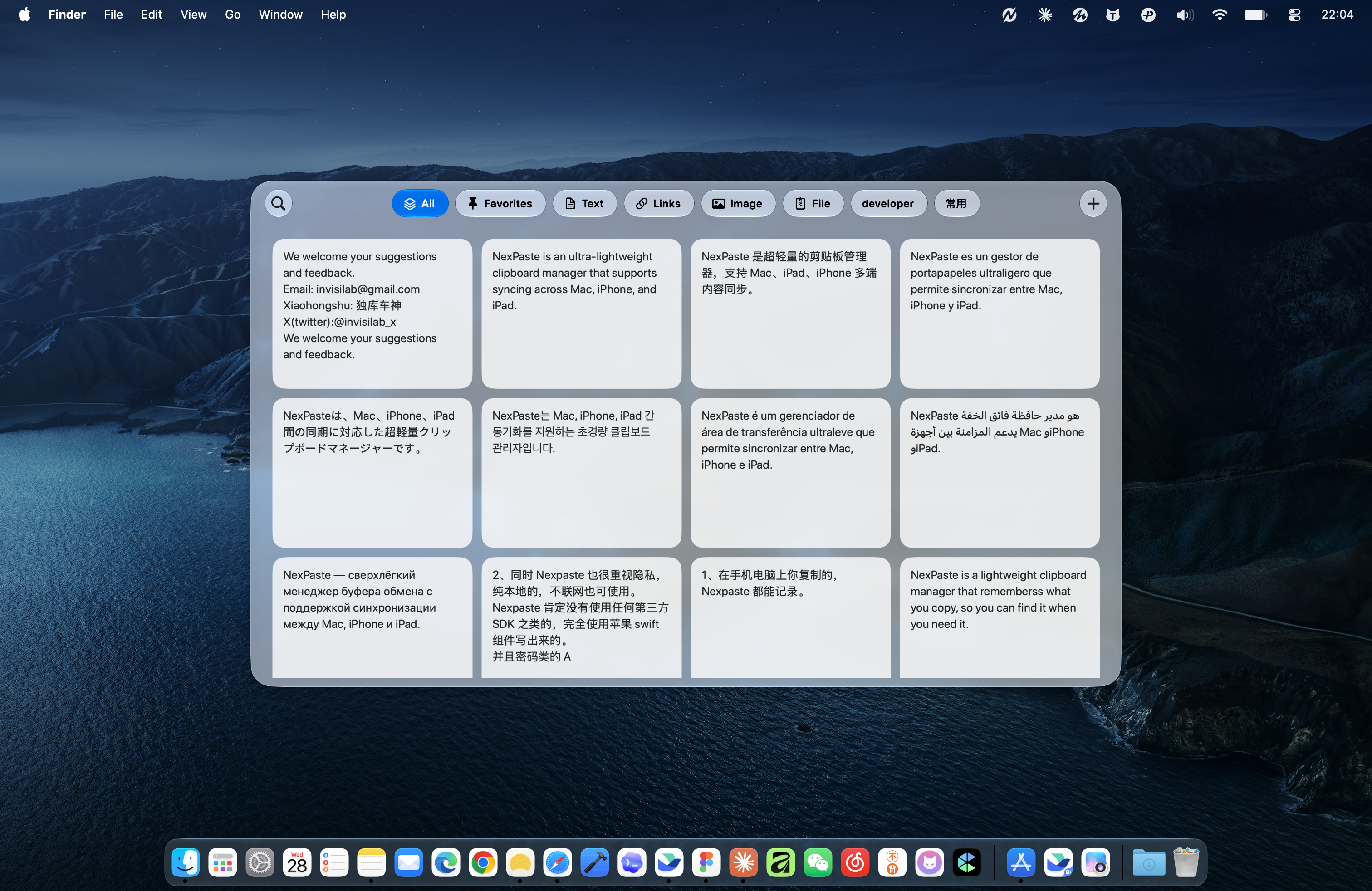
Many formats. One place.
Together with iCloud
Local first. Private by design.
A little copy. A lasting library.
An idea from this morning. Yesterday’s link. The address you type every week. Keep the little things, and skip the search next time.
Pick up where inspiration left off.
A link worth coming back to
Keep a little inspiration
Project notes.pdf
Mac captures text, links, images, and file references automatically. Keep up to 500 history items, and add important content to Favorites.
Search by keyword or filter by type. Copy an item again, or paste it straight into your previous app on Mac.
Stay in your flow
No hunting through windows. Open NexPaste, search, select, and paste. Keep your hands on the keyboard and your mind on the work.
Mini panel, tags, and customizable shortcuts. Automatic paste requires Accessibility permission.
Your library, on the go
From fresh ideas to everyday essentials, keep it all together on iPhone.
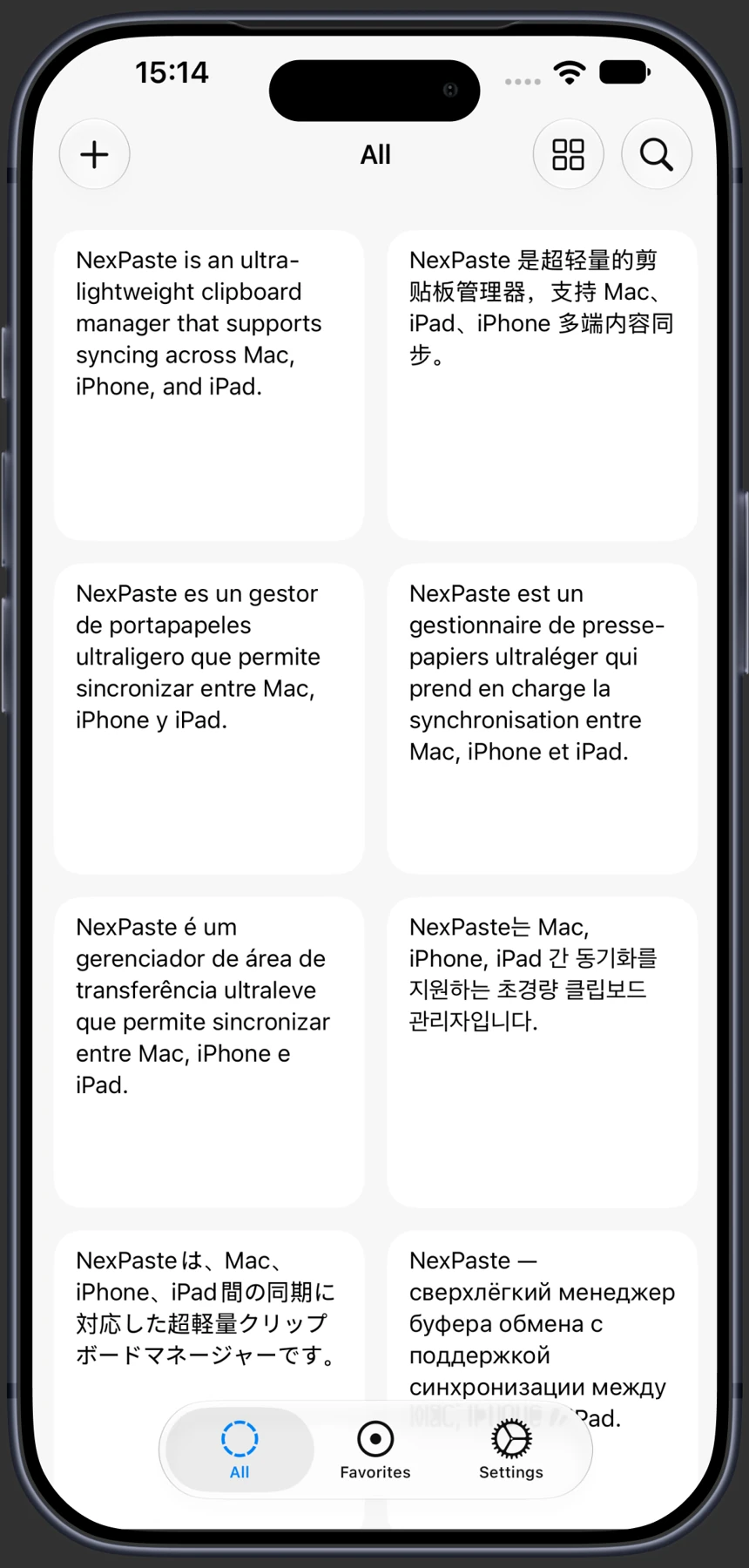
Save your clipboard in the app. Text, links, and images stay organized and easy to search.
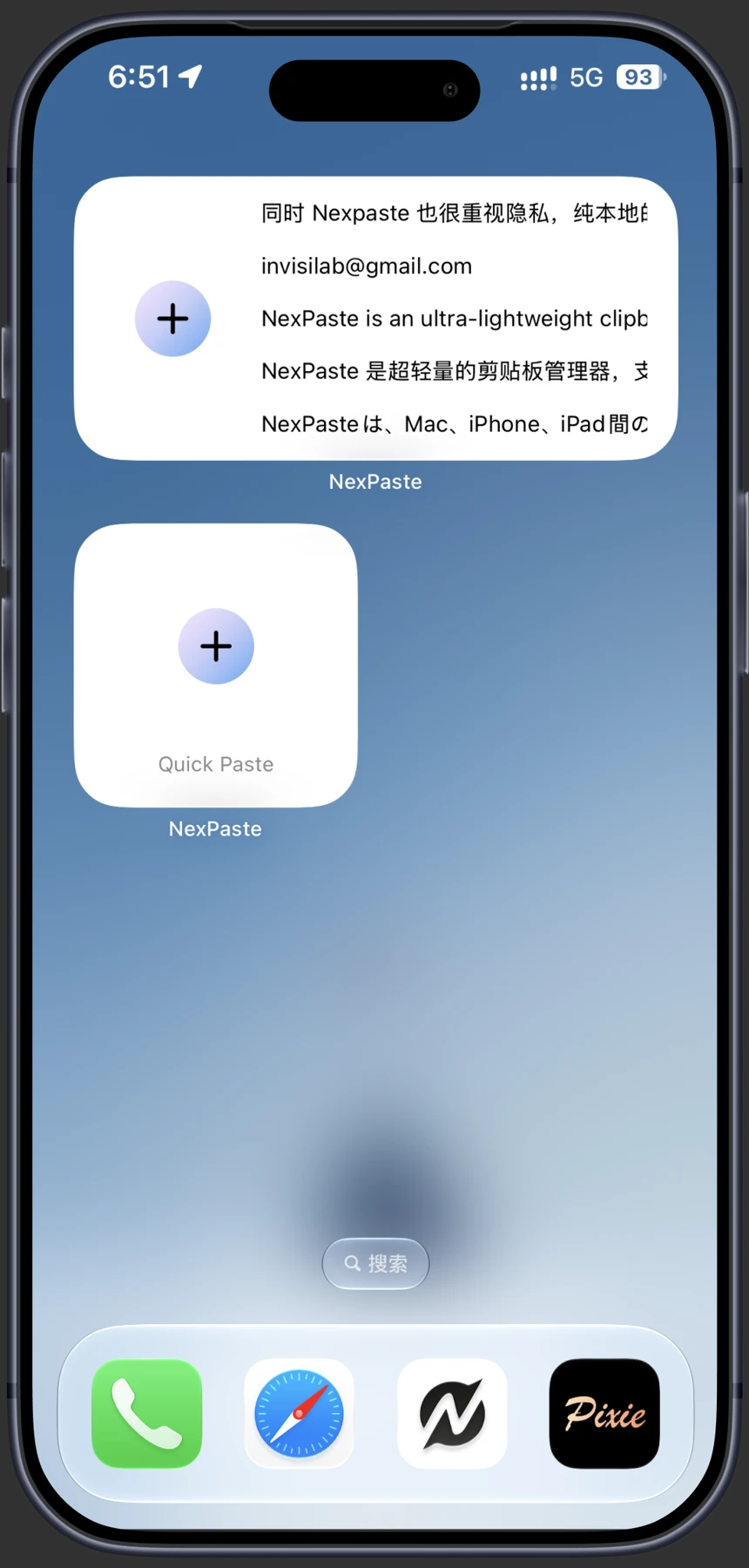
Quickly save your clipboard with the Home Screen widget, before the moment slips away.
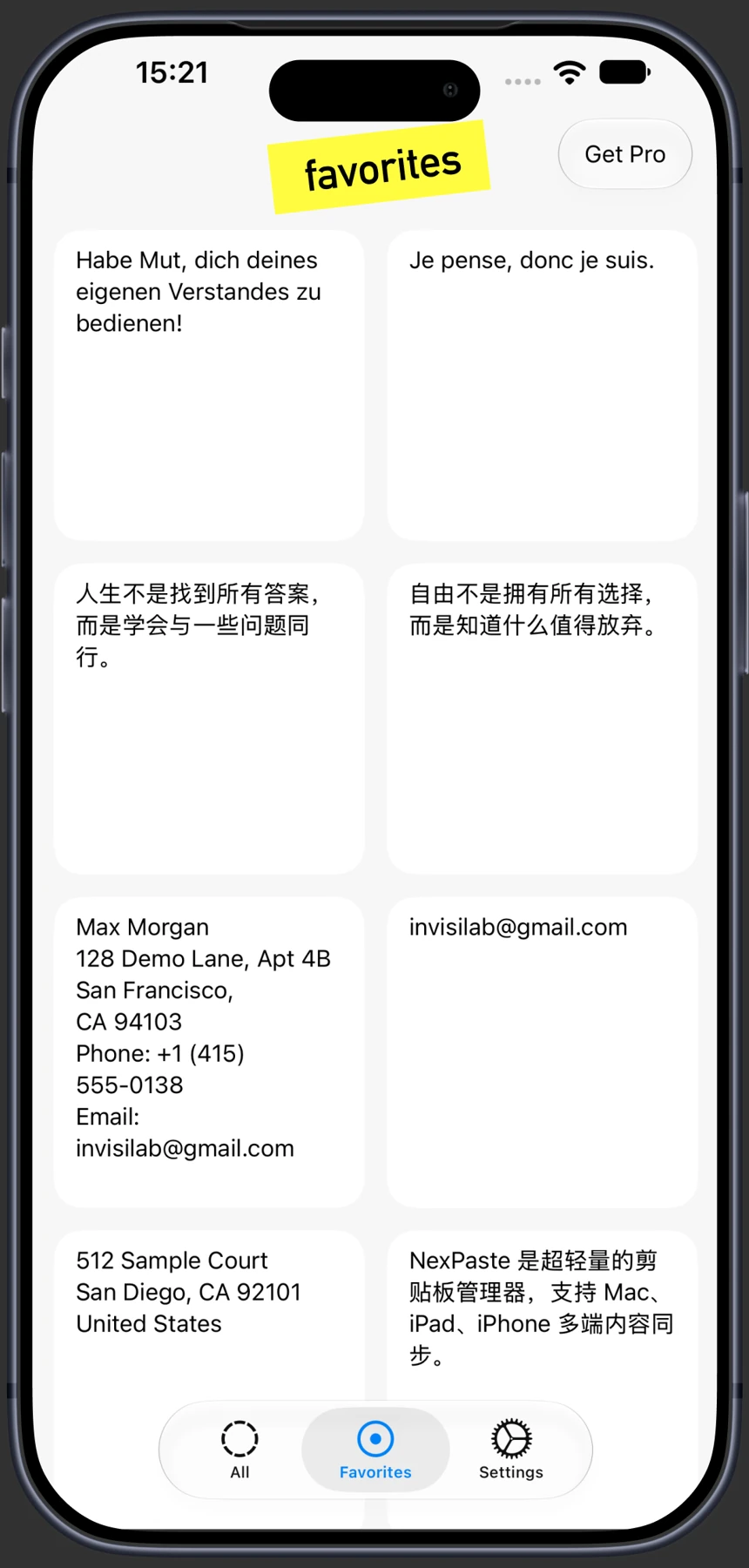
Addresses, phone numbers, and go-to phrases. Favorite them once. Copy them whenever.
iCloud sync · Pro
Save something on Mac and find it on iPhone. Collect an idea on iPad and keep going at your desk. Turn on iCloud to bring your library along.
Optional with Pro, using the same Apple Account. Synced content stays in your private iCloud database.
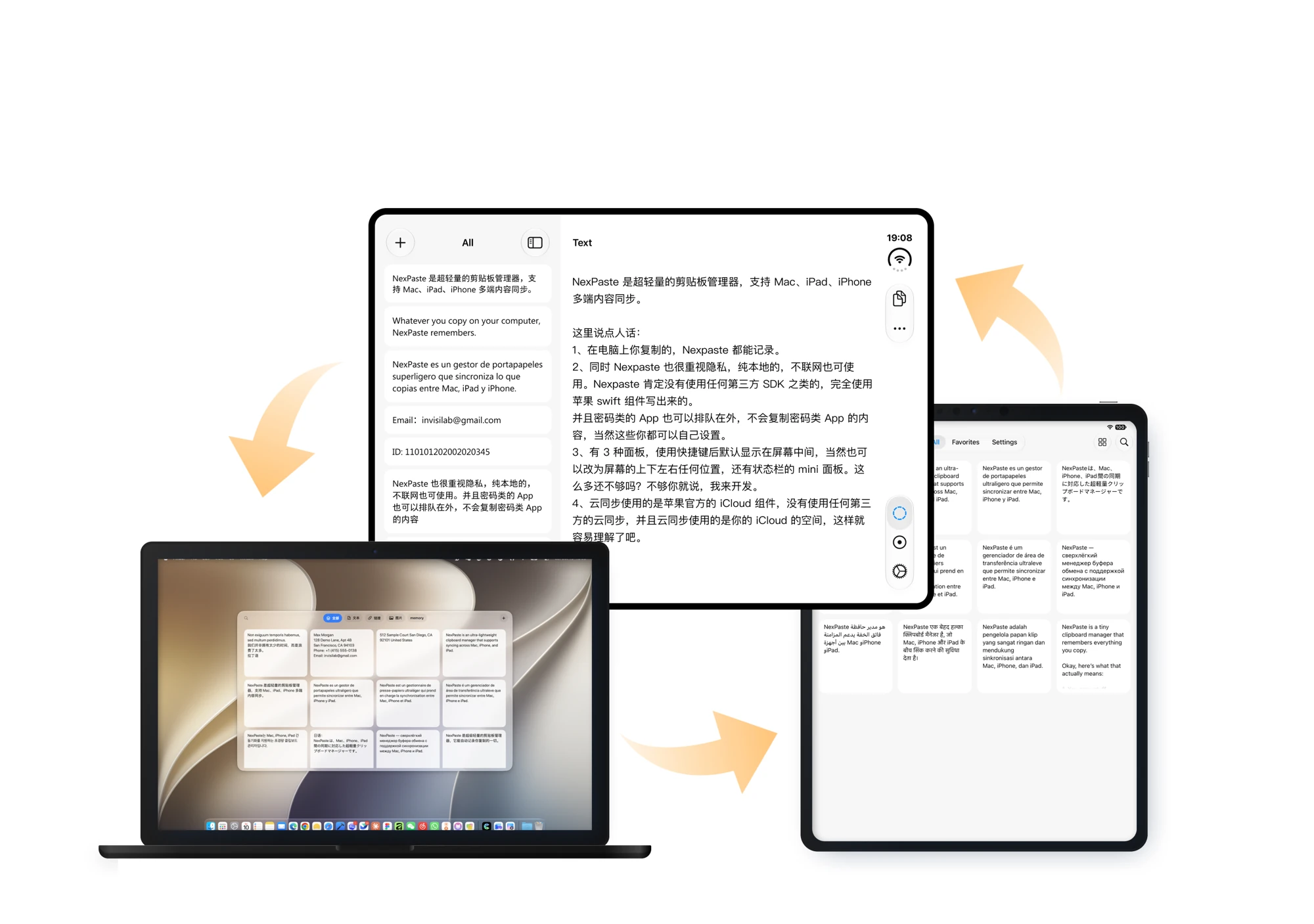
Room to work. Space to think.
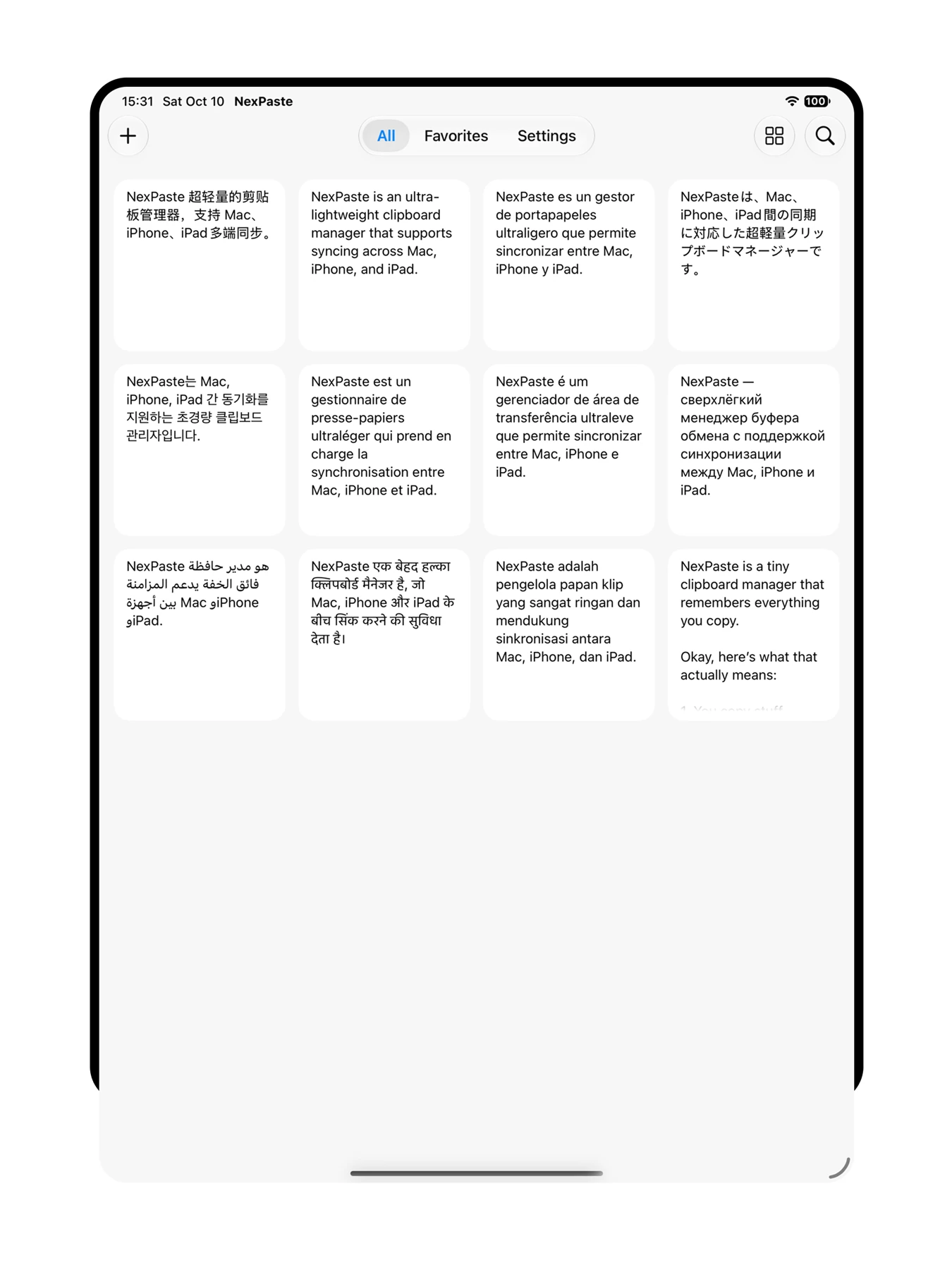
A card layout that makes the most of your display, with room to browse, search, and organize.
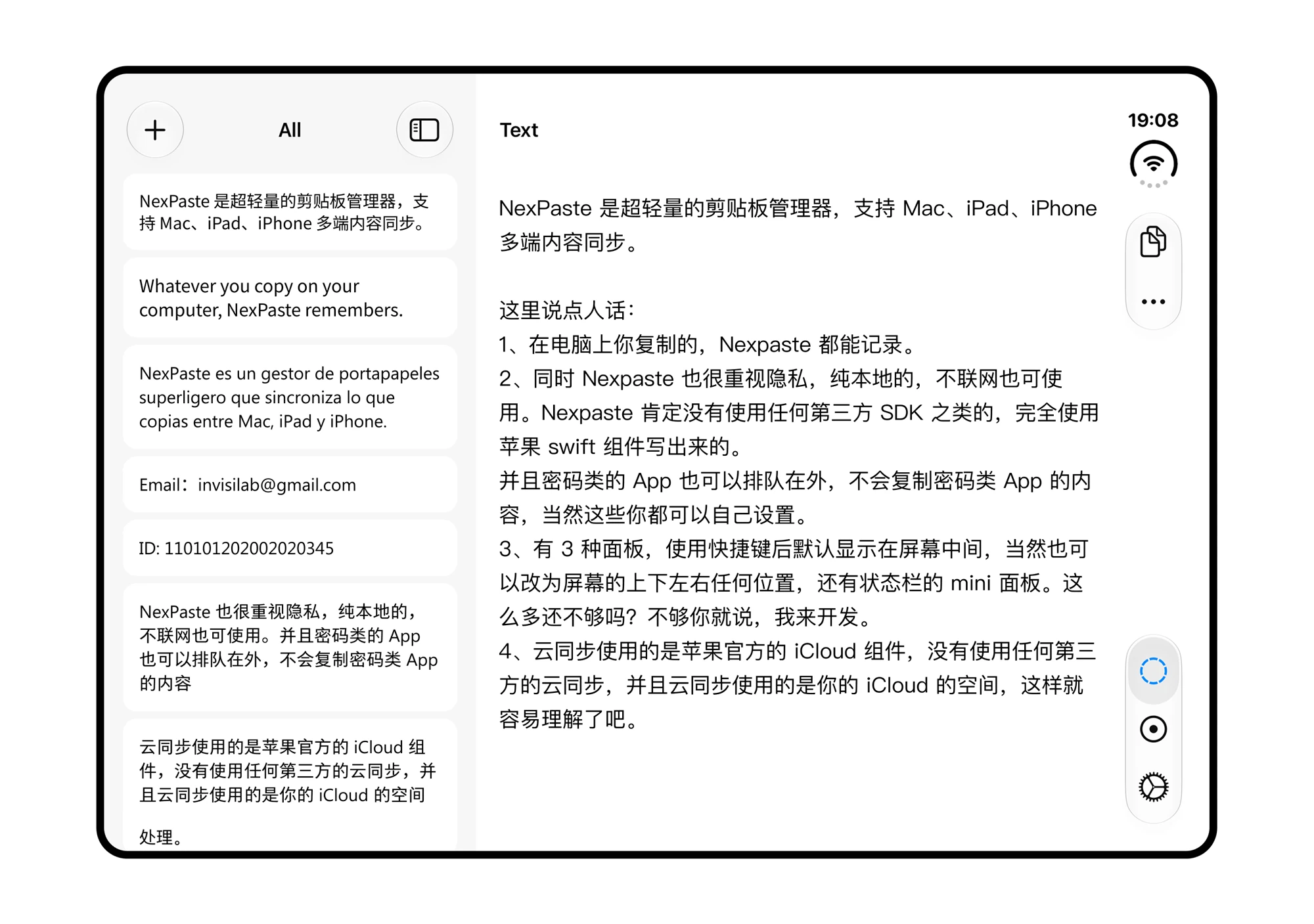
A wider view gives your history and content preview their own space.
Your content. Your control.
Stored locally by default. Pause capture or exclude apps on Mac. Choose whether to turn on iCloud sync.
Get NexPaste. Keep the things you need within reach.
Download on the App Store Mac · iPhone · iPadBasic features are free to use; iCloud sync requires Pro. See the App Store for upgrade options and current pricing.
No. On iPhone and iPad, save text, links and images through the app or widget. Mac supports automatic recording, which you can pause or disable for selected apps.
Mac stores file references, not backup copies. Keep the original files; moving or deleting them may make a saved reference unavailable.
NexPaste supports Mac, iPhone and iPad. Mac can record clipboard history automatically; on mobile, save content through the app or widgets.
Pro users can enable iCloud sync to share saved content across Mac, iPhone and iPad using the same Apple Account. Sync uses Apple’s native iCloud framework and your own iCloud storage, with no third-party cloud services.
NexPaste runs locally and uses no third-party SDKs. You can exclude password managers and other sensitive apps so nothing you copy from them is saved.
The basic features are free. Upgrade to Pro to unlock all premium features, including iCloud sync.