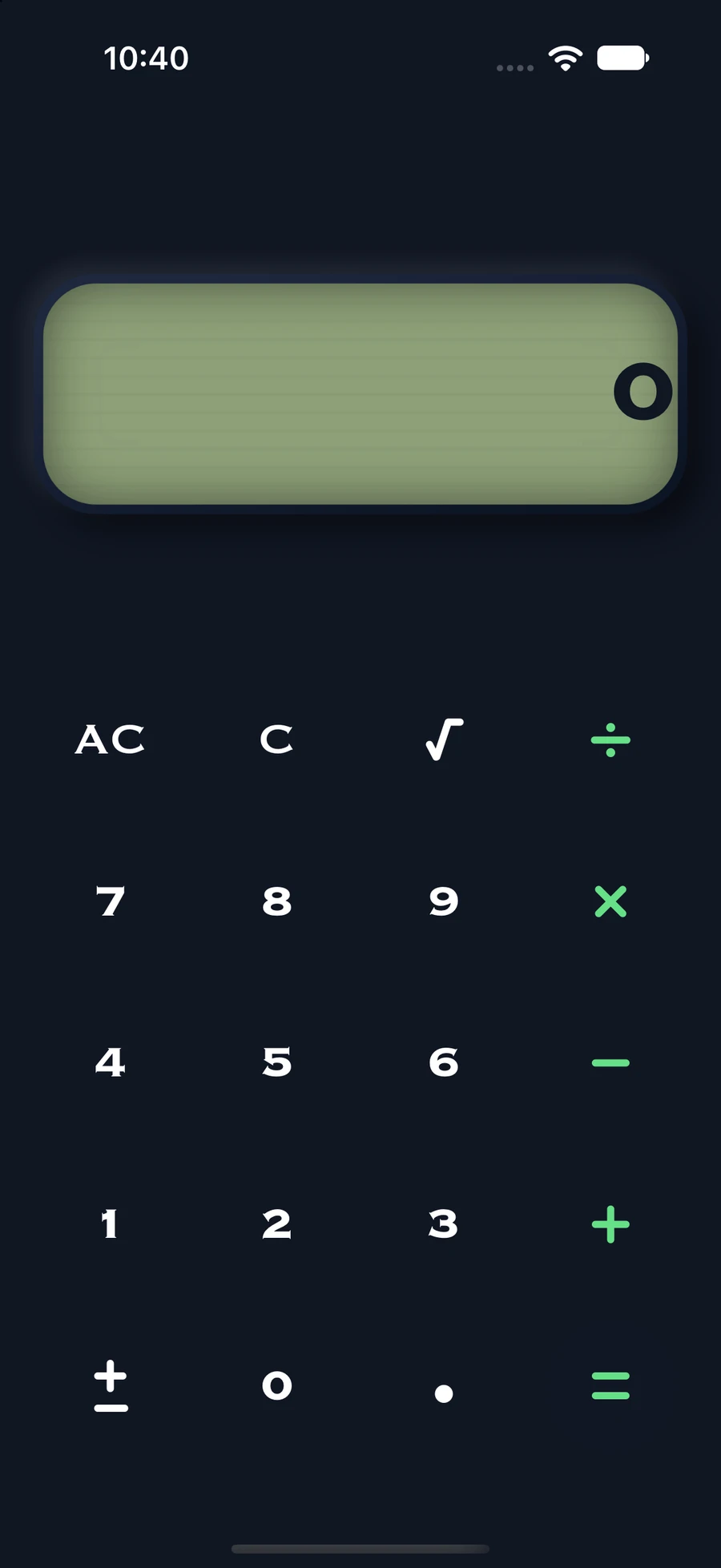
01 / CALCULATOR
More than a calculator.
Enter your code. Unlock your space.
 invsi
PRIVATE PHOTO AND FILE VAULT FOR IPHONE AND IPAD
Keep photos, videos & files private.
A little space for the parts of life that are yours alone.
Designed for iPhone and iPad
THE PRIVATE SIDE OF EVERYDAY.
A photo. A video. An important file.
You decide what to share, and what to keep to yourself.
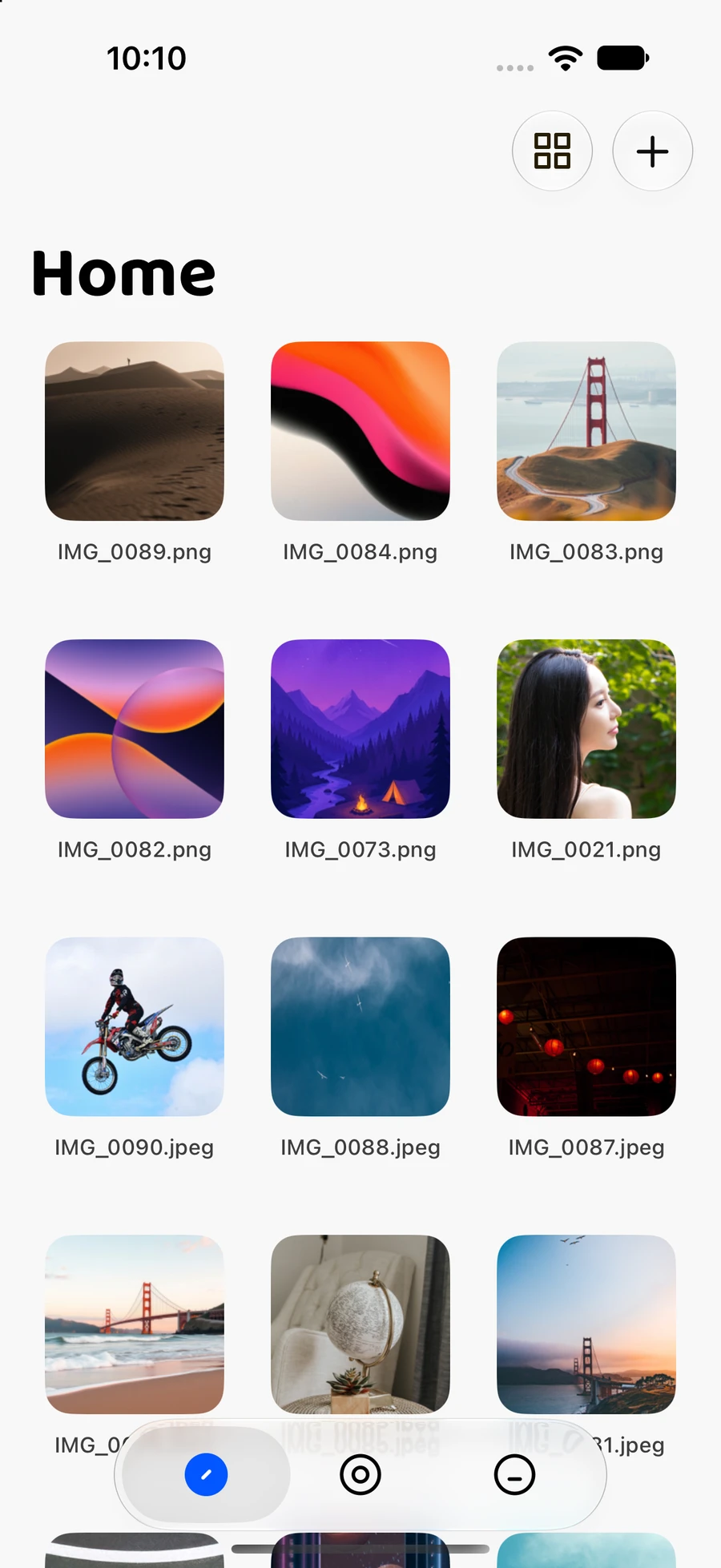
01 / PRIVATE SPACE
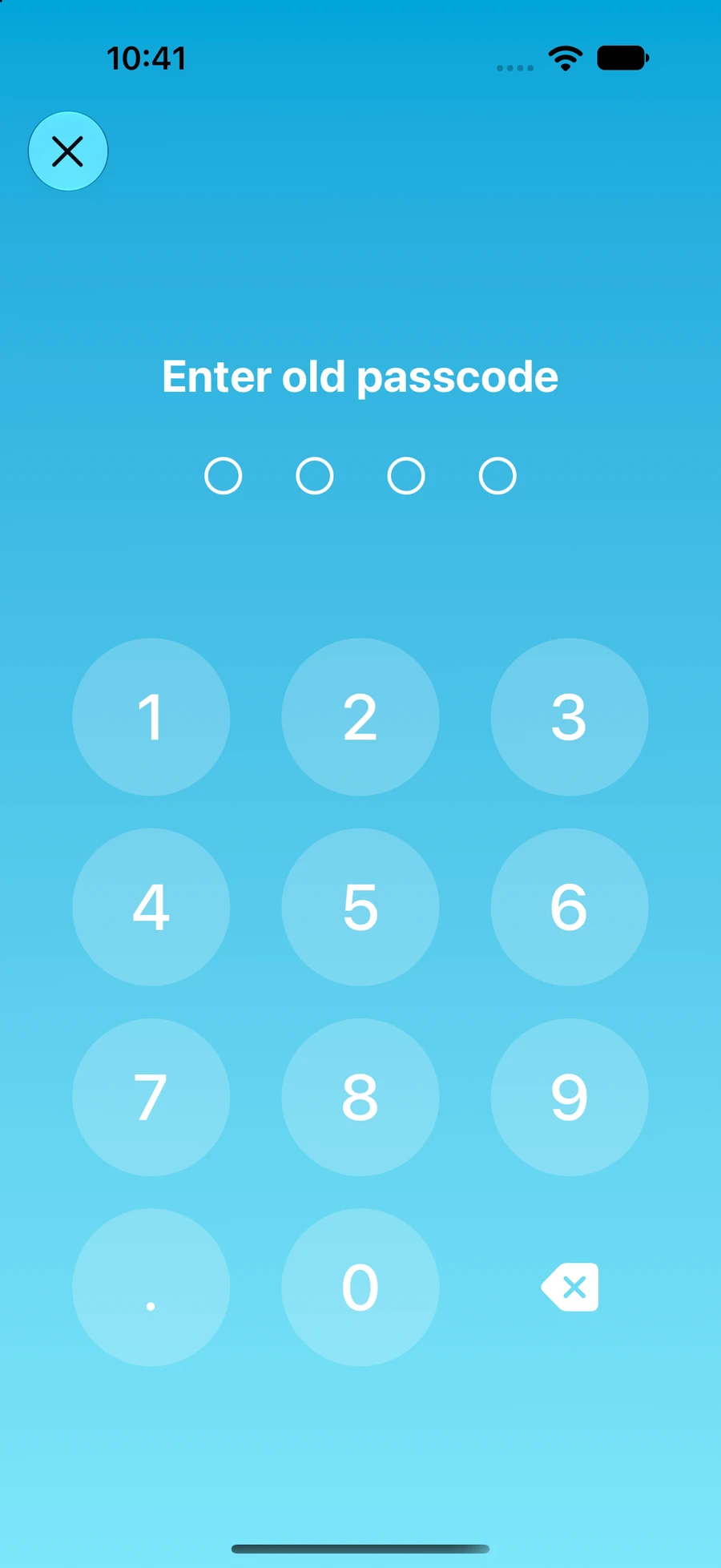
Give your photos, videos and files a space of their own. Enter your personal passcode to open the things you choose to keep private.
02 / APP LOCK
Some apps are just for you. Choose the apps you want to lock and keep another part of your everyday life private.
App Lock requires iOS Screen Time permission.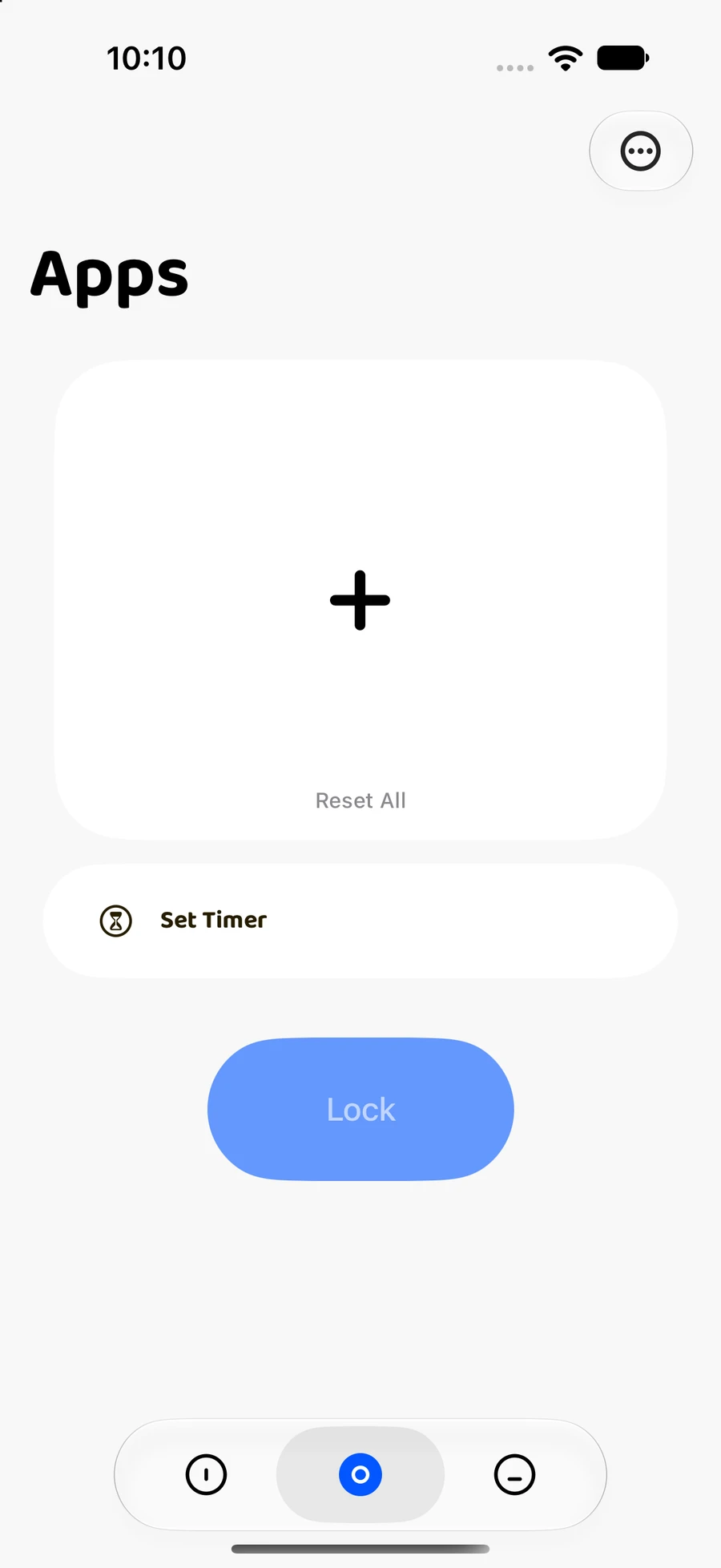
03 / YOUR WAY IN
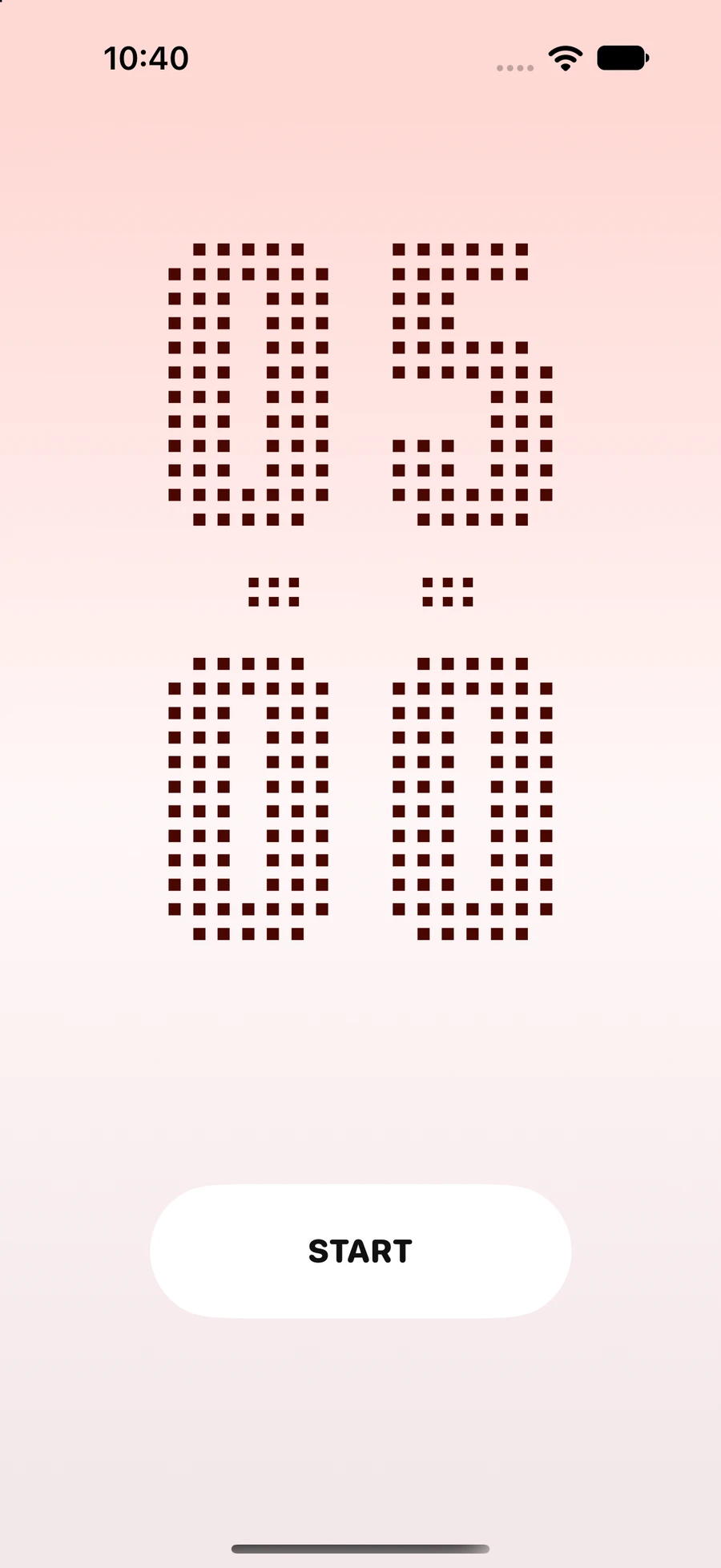
A calculator or a focus timer. Behind an everyday tool, a private space that opens with your code.
Enter your code. Unlock your space.
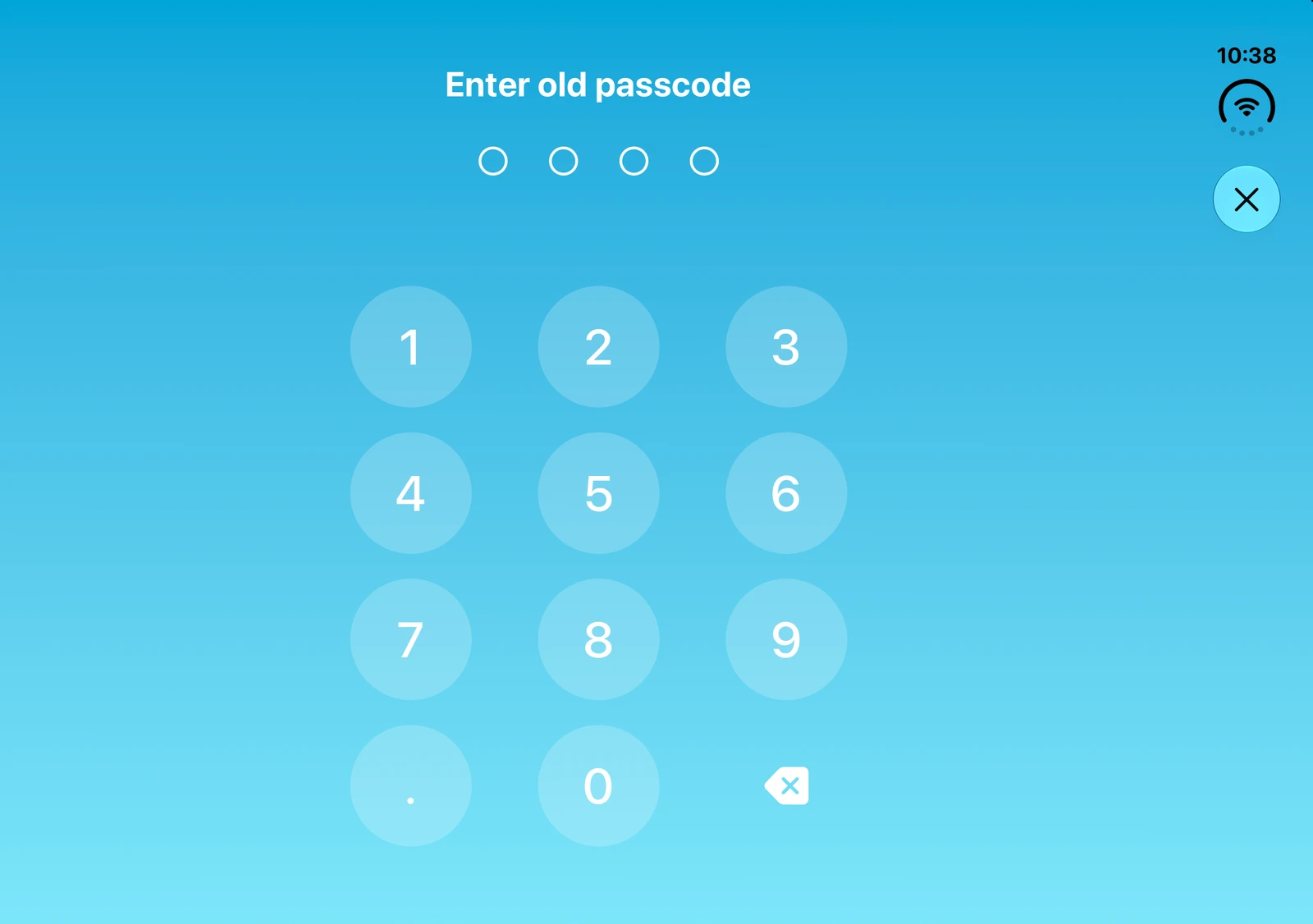
Slide the digits. Unlock your space.
A CLOSER LOOK
Scroll through your private space.
Give your photos, videos and files a space of their own. Enter your personal passcode to open the things you choose to keep private.
Some apps are just for you. Choose the apps you want to lock and keep another part of your everyday life private.
Enter your code. Unlock your space.
Slide the digits. Unlock your space.
INVSI / WIDE VIEW
A wider view of your private space, with room for your photos, videos and files.
invsi
Make privacy your choice. Start with invsi.
Download on the App Store Privacy Policyinvsi is a private vault and app lock for iPhone and iPad. Import photos, videos and files and view them only with your passcode. Lock selected apps, set a timer to unlock them automatically, or limit games when your child uses your phone. No ads, no notifications, no sign-up: your data stays on your device.
invsi is a private vault and app lock for iPhone and iPad. It keeps private photos, videos and files together in a space protected by your personal passcode. When you lend someone your phone, you decide what they can see.
invsi offers a calculator entrance and a focus timer entrance, plus App Lock. Lock selected apps whenever you need to, or set a timer to unlock them automatically.
No. invsi runs locally and has no servers, so your data stays on your device. This also means a lost passcode cannot be recovered, so keep it safe and back up anything important.
You can manage private photos, videos and files in your passcode-protected space.
App Lock uses iOS Screen Time permission. You choose which apps to lock.
Use the App Store button on this page to open the official invsi listing. Check that listing for current pricing, system requirements and app details.